

The Playwright Reporter is currently in public beta. Contact the Checkly team for support or feedback. Expect breaking changes, features in development, and possible bugs.
Prerequisites
Prerequisites
Before using the Playwright reporter, ensure you:
- use Node.js >= 18.0.0
- use Playwright >= 1.40.0
- have Checkly account (sign up)
Install the Playwright Reporter
Install the Playwright reporter package via npm.How to get started
Create an API key and get your Account ID
To start pushing your Playwright test reports to Checkly you need to authenticate the reporter with your Checkly Account ID and an API Key.- Log in to Checkly
- Navigate to your account Settings to get your account id (Account Settings > General)
- Create a new API key in your user settings (User Settings > Api Keys)
CHECKLY_API_KEY and CHECKLY_ACCOUNT_ID.
Add the Playwright reporter to your Playwright configuration
playwright.config.ts
Run your tests and automatically upload results to Checkly
Run your test with the standard Playwright test command:Configuration
Environment Variables
The reporter relies on the following environment variables to authenticate with the Checkly infrastructure:Additional Reporter Configuration
playwright.config.ts
How does the Playwright Reporter work?
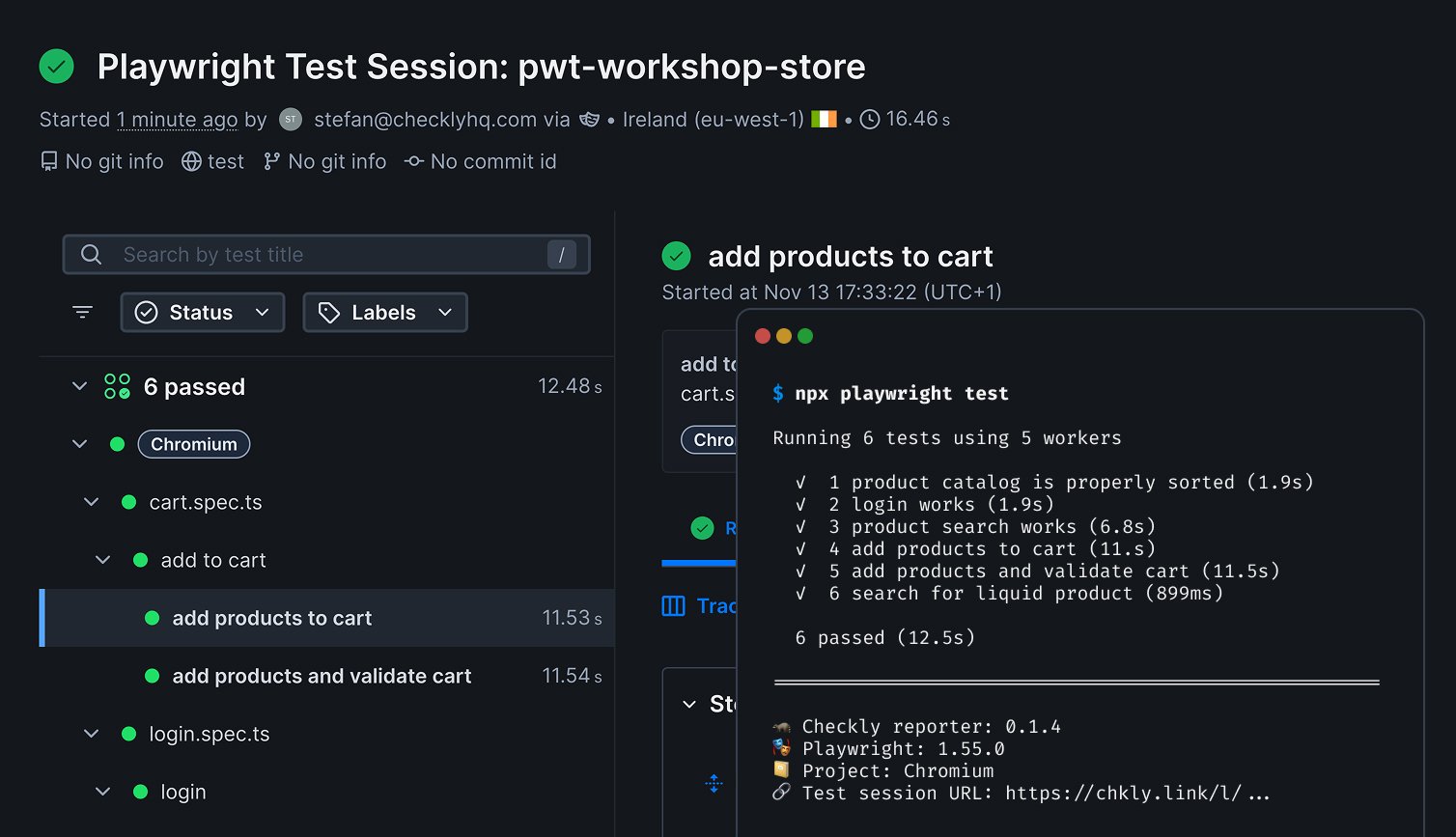
The Checkly Playwright reporter creates Playwright Check Suite level test sessions. The test session result will include all run tests in a single report named after your project directory:- Test results and status (passed/failed/flaky)
- Test execution duration
- Screenshots (on failure or explicit capture)
- Snapshots
- Videos (full recordings)
- Traces (Playwright traces for debugging)
- Complete JSON test report
Advanced Usage Examples
Dry Run Mode (no upload or API calls)
UsedryRun mode to create ZIP files without uploading your test results to Checkly:
playwright.config.ts
dryRun mode is perfect for:
- Local testing and validation
- CI/CD pipelines without credentials
- Debugging ZIP file contents
Conditional Dry Run (CI vs Local)
Automatically use dry run in CI, but enable API calls and uploads locally:playwright.config.ts
dryRun mode allows you to:
- Test locally with API credentials when available
- Run validation in CI without requiring secrets
- Keep ZIP files in CI for artifact upload
Run the Playwright Reporter in CI/CD
Execute your Playwright tests in CI/CD and use the Playwright reporter to store all your test artifacts in Checkly.- GitHub Actions