> ## Documentation Index
> Fetch the complete documentation index at: https://checkly-422f444a-mda-troubleshooting-section.mintlify.site/llms.txt
> Use this file to discover all available pages before exploring further.
# Testing
> Learn how to create, configure, and manage testing in Checkly.
Checkly unites testing and monitoring into one unified workflow. Testing is a core component of Checkly's Application Reliability Platform. It allows you to:
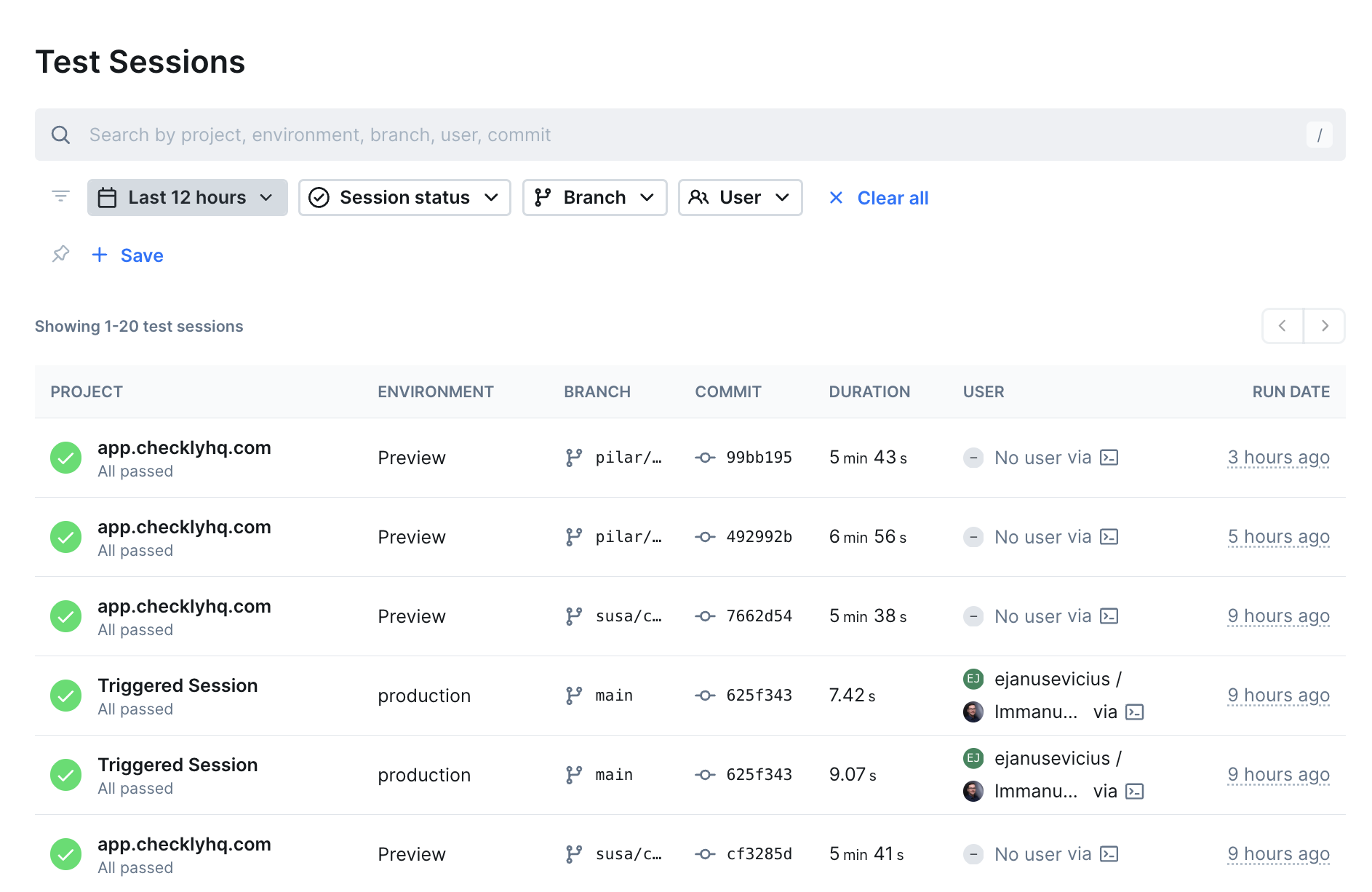
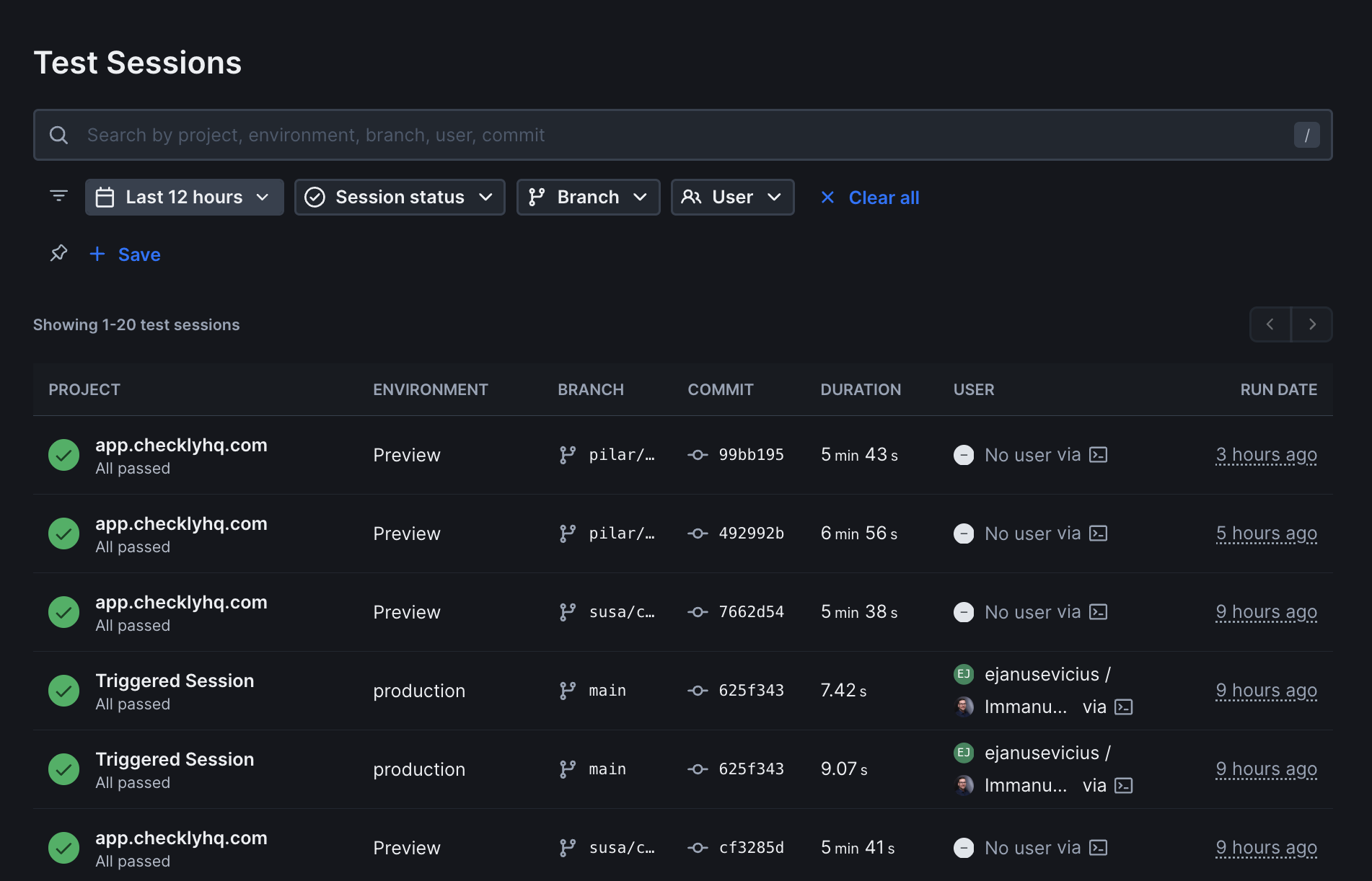 * Run automated tests in the browser that simulate user interactions
* Set up API tests to verify endpoints and services
* Schedule and automate test execution
* Run tests from different locations around the world
## Test Types
Since Checkly combines testing and monitoring, you only need to create a single test for both purposes. You can find more information about the different checks Checkly supports below:
Simple HTTP requests to verify your API endpoints are responding correctly.
Create an [API test](/detect/synthetic-monitoring/api-checks/overview)
Advanced tests that combine multiple API calls and browser actions.
Create a [Multi-step test](/detect/synthetic-monitoring/multistep-checks/overview)
Full browser automation to test complex user interactions and workflows.
Create a [Browser test](/detect/synthetic-monitoring/browser-checks/overview)
Import your entire test project and run Playwright completely natively.
Create a [Playwright test](/detect/synthetic-monitoring/playwright-checks/overview)
Use the Playwright Reporter to analyze and store local Playwright test results in Checkly. Learn more in the [Playwright Reporter documentation](/detect/testing/playwright-reporter).
## Benefits of Testing with Checkly
* **Unified Testing and Monitoring**: Eliminate the traditional separation between pre-production testing and production monitoring with a single platform that spans the entire SDLC
* **Continuous Reliability**: Catch issues at any point in your delivery pipeline, not just during traditional testing phases
* **Code-First Approach**: Write tests and monitors in code, store them in repositories, and leverage version control for audits and automation
* **Early Risk Detection**: Identify business-critical issues before they impact users or revenue through continuous monitoring throughout the development process
* **Continuous Deployment Support**: Keep pace with modern rapid deployment cycles where traditional testing alone can't catch all defects
* Run automated tests in the browser that simulate user interactions
* Set up API tests to verify endpoints and services
* Schedule and automate test execution
* Run tests from different locations around the world
## Test Types
Since Checkly combines testing and monitoring, you only need to create a single test for both purposes. You can find more information about the different checks Checkly supports below:
Simple HTTP requests to verify your API endpoints are responding correctly.
Create an [API test](/detect/synthetic-monitoring/api-checks/overview)
Advanced tests that combine multiple API calls and browser actions.
Create a [Multi-step test](/detect/synthetic-monitoring/multistep-checks/overview)
Full browser automation to test complex user interactions and workflows.
Create a [Browser test](/detect/synthetic-monitoring/browser-checks/overview)
Import your entire test project and run Playwright completely natively.
Create a [Playwright test](/detect/synthetic-monitoring/playwright-checks/overview)
Use the Playwright Reporter to analyze and store local Playwright test results in Checkly. Learn more in the [Playwright Reporter documentation](/detect/testing/playwright-reporter).
## Benefits of Testing with Checkly
* **Unified Testing and Monitoring**: Eliminate the traditional separation between pre-production testing and production monitoring with a single platform that spans the entire SDLC
* **Continuous Reliability**: Catch issues at any point in your delivery pipeline, not just during traditional testing phases
* **Code-First Approach**: Write tests and monitors in code, store them in repositories, and leverage version control for audits and automation
* **Early Risk Detection**: Identify business-critical issues before they impact users or revenue through continuous monitoring throughout the development process
* **Continuous Deployment Support**: Keep pace with modern rapid deployment cycles where traditional testing alone can't catch all defects